
House hunting can feel like scrolling forever and finding nothing. That’s the whole reason Viviendalista’s search filters exist. Whether you’re a first-timer eyeing a downtown condo, an investor sniffing around for something that’ll actually cash-flow, or you’re retired and want to downsize somewhere near the water, the filters on viviendalist.co are what turn a wall of listings into a short, sane list of places worth touring. This guide runs through every major filter category, shows you how to stack them together the smart way, and throws in some hard-won tips so you spend less time scrolling and more time in homes you might actually buy.
Table of Contents
- What Are Viviendalista’s Advanced Search Filters?
- How Do I Set Up Price and Budget Filters on Viviendalista?
- Filtering by Size, Layout, and Property Type
- Using Amenity and Feature Filters to Narrow Your Results
- How Do I Target the Right Neighborhood with Location Filters?
- Advanced Filters for Investors and Special Buyer Groups
- Saving Searches, Setting Alerts, and Comparing Listings
- Common Mistakes to Avoid When Using Viviendalista Search Filters
- Frequently Asked Questions
What Are Viviendalista’s Advanced Search Filters?
Viviendalista’s advanced search filters are the customizable tools on viviendalist.co that let you sort listings by price, size, amenities, location, and buyer-specific needs so you only see the stuff that’s actually relevant to you. Instead of scrolling a firehose of every listing in a city, you tell the platform what matters, and it hands back a curated shortlist.
Think of the filters as layers you stack. A basic search is just “apartments in Austin.” An advanced one folds in your price range, square footage, bedroom count, school district ratings, pet policies, even walkability scores, all in one query. That’s really the point of any decent real estate search tool. It takes thousands of options and boils them down to something a human can actually deal with. And here’s a number worth sitting with: according to the National Association of Realtors’ 2023 Profile of Home Buyers and Sellers, buyers typically view only about 8 homes before they buy. Eight. Which tells you the filtering stage, not the touring stage, is where most of the real deciding happens. The tighter you filter upfront, the less time you burn on homes that never stood a chance.
How Do I Set Up Price and Budget Filters on Viviendalista?
To set up price filters on Viviendalista, open the search bar, pick “Price Range,” punch in your minimum and maximum, then fine-tune with the mortgage estimator or the rent-to-income slider if you’re renting. This is almost always the first thing people set, and honestly, it shapes everything that follows.
Setting a Realistic Range
Don’t type in one hard number. Use the slider and set a range that’s maybe 10 to 15% wider than your target. Listings get priced a little above or below where they eventually sell, so a razor-thin price filter will quietly hide homes you could actually afford. If you’re pre-approved, you can drop your approval amount straight into Viviendalista and it’ll flag the listings that keep you in a comfortable debt-to-income zone.
Factoring in Total Cost of Ownership
Price filters aren’t just about list price, and this is where people trip up. You can toggle on estimated property tax ranges and HOA fee caps too, which matters a lot because two homes at the identical asking price can cost wildly different amounts every month once the fees hit. Families shopping in those suburbs with all the community amenities often discover that HOA dues of $150 to $400 a month completely reshape what’s affordable. If reading these cost breakdowns feels like squinting at fine print, our guide on how to read property listings like a pro shows you exactly where the hidden costs live on a listing page and how to compare them without getting fooled.
Filtering by Size, Layout, and Property Type
Size and layout filters on Viviendalista let you set square footage, bedroom and bathroom counts, lot size, and property type (single-family, condo, townhouse, multi-family) so results actually fit how your household lives. These matter enormously for families and retirees, whose space needs usually sit at opposite ends of the map.
Growing families tend to lock in the bedroom and bathroom filters first, which makes sense, but don’t skip the “lot size” and “yard” toggles if the kids or the dog need somewhere to run. There’s also a “single-story” filter that retirees and anyone with mobility considerations lean on hard, because it wipes out every home with a staircase in one click. On the flip side, urban first-timers in their late twenties and early thirties are usually filtering for condos and townhomes under 1,000 square feet. They’d rather have walkability than a third bedroom.
One tool almost nobody uses enough: the “property type” multi-select. You don’t have to pick just one. Select condos, townhomes, and small multi-family all at once if you’re flexible on the structure but firm on price and neighborhood. Investors love this one for comparing duplexes against single-family rentals in the same ZIP code, since it pulls a wider pool of comparables without making you run three separate searches.
Using Amenity and Feature Filters to Narrow Your Results
Amenity filters let you pick specific features (garage, in-unit laundry, pool, updated kitchen, pet-friendly, whatever) so only listings with those exact things show up. This is where the filters earn their keep if you’ve got a short list of non-negotiables.
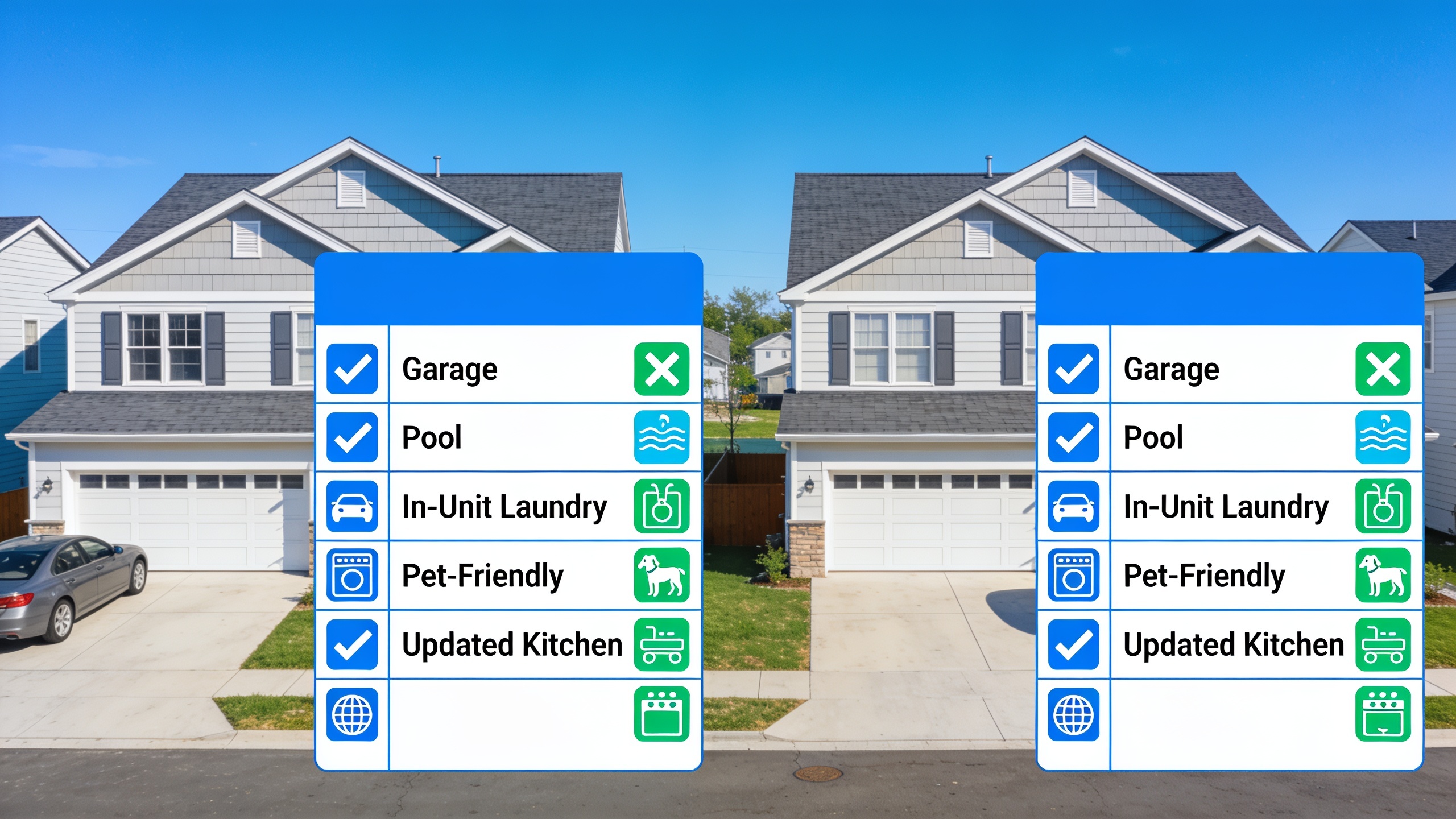
The amenity panel is sorted into categories. Interior stuff like flooring, appliances, and layout. Exterior stuff like fencing, garage size, a pool. Building or community perks such as elevator access, a gym, a doorman. And policy things like pet allowances or short-term rental eligibility. You can grab amenities across all of them at once, but here’s the catch: the platform treats every selection as a hard requirement, so a listing has to match all of them, not just some. Tick ten “must-have” boxes on a budget search and you can end up staring at zero results even in a market that’s swimming in inventory.
So do this instead. Split your amenities into “must-haves” and “nice-to-haves.” Run your first search with only the must-haves, then eyeball the results and note which nice-to-haves keep popping up. Two passes. It keeps your result set big enough to be useful while still respecting your dealbreakers.
Accessibility filters deserve their own shout-out here, because they’re genuinely underrated. In the same way workforce platforms like Medinex help disability support providers coordinate care and compliance so clients get the right support at the right time, Viviendalista’s accessibility filters (step-free entry, wide doorways, grab bars, single-level living) let buyers and renters with mobility needs spot homes that’ll actually work day to day, instead of finding out about the three front steps only after they’ve driven across town for a tour.
How Do I Target the Right Neighborhood with Location Filters?
To zero in on a neighborhood on Viviendalista, use the map tool to draw your own custom boundary, or type a neighborhood, school district, or commute destination into the location bar and set a max distance radius. Location is arguably the most consequential filter of them all, because it touches price, commute, school access, and resale value all at the same time.
Drawing Custom Search Boundaries
The map tool lets you draw an irregular polygon around the exact area you want, so you’re not stuck with ZIP codes or city lines that never match reality. This is a lifesaver in metros where a great block and a rough one sit right next to each other. Urban buyers often draw around a handful of transit-connected neighborhoods rather than a whole city, which keeps commute times predictable and still leaves room for those up-and-coming pockets just past the obvious spots.
Filtering by School District and Commute Time
Families chasing bigger suburban homes can filter straight by school district rating, usually with third-party data on test scores and student-teacher ratios baked in. Commute filters work the same way: type in your work address, set a max drive or transit time, and anything outside that window disappears. And this matters more than most people realize. Research from the U.S. Census Bureau’s American Community Survey has repeatedly found that commute time is one of the top predictors of how happy homeowners end up being, right up there with home size and price. A long slog to work quietly eats away at your satisfaction whether you notice it or not.
Location Filters for Vacation and Retirement Properties
Retirees and second-home buyers play this game differently, usually caring more about being near a hospital, a walkable town center, or the coast than about school ratings or commutes. If you’re browsing vacation-home markets, remember that the local infrastructure matters just as much as the house. Say you’re eyeing a getaway in somewhere like Lombok, Indonesia. You’ve got to think about how you’ll even get around once you’re there. Local operators like Ricaritranslombok, who handle car rentals, shuttles, and guided tours, can be the difference between a place that’s genuinely livable part-time and one that leaves you stranded for weeks. Viviendalista’s neighborhood filters won’t book your ride, obviously, but they’ll help you shortlist areas where that kind of support already exists.
Advanced Filters for Investors and Special Buyer Groups
Investor filters on Viviendalista let you sort by estimated rental yield, cap rate, days on market, price-per-square-foot, and zoning type, so you can find properties with real income potential instead of just curb appeal. They live under an “Investor View” toggle that reshuffles the listing cards to put financial metrics front and center instead of glossy lifestyle photos.
Investors in the 30 to 50 range building out a rental portfolio usually start with price-per-square-foot and days-on-market, because a place sitting unsold for 60-plus days often means there’s room to negotiate. Add zoning filters on top (multi-family, mixed-use, ADU eligibility) and you’ll surface properties with built-in expansion potential that a casual buyer would scroll right past. If you’re newer to sizing up markets at this level, our breakdown of how real estate investors use data to pick profitable markets digs into the underlying numbers (population growth, rent-to-price ratios, job diversification) that pair nicely with these filters to gut-check a market before you put money down.
Investors aren’t the only ones who benefit from clever filter combos, though. First-time buyers relocating for a job often have to move fast and decide under pressure, which honestly isn’t that different from prepping for a competitive promotion. In the same way officers use structured coaching platforms like State6 to systematically prepare for career advancement rather than winging it, buyers on a clock do better by setting up a disciplined saved-filter combination ahead of time instead of improvising a fresh search every time a listing drops. Same idea either way: take the guesswork out of a high-stakes decision by leaning on a repeatable process.
Here’s a quick rundown of the main filter categories and who tends to live in them:
| Filter Category | What It Controls | Most Useful For |
|---|---|---|
| Price & Budget | List price, HOA fees, estimated taxes | First-time buyers, budget-conscious renters |
| Size & Layout | Square footage, bedrooms, lot size, single-story | Families, retirees, downsizers |
| Amenities & Features | Pool, garage, pet policy, accessibility features | Renters, buyers with specific must-haves |
| Location & Map | Custom boundaries, school ratings, commute time | Families, urban professionals, relocators |
| Investor Metrics | Cap rate, rental yield, days on market, zoning | Real estate investors, portfolio builders |
| Saved Search & Alerts | New listing notifications, price-drop alerts | All buyer types in competitive markets |
Saving Searches, Setting Alerts, and Comparing Listings
Saved searches and alerts on Viviendalista ping you by email or app notification the moment a new listing matches your filters or an existing one drops in price, so you’re not manually re-running the same search every single morning. In a hot market, this one feature can matter more than any individual filter, because whoever responds first often gets the first tour.
Setting it up is easy. Run your filtered search like normal, hit “Save This Search,” and pick how often you want to hear about it: instant, daily digest, or weekly summary. In a fast market, instant alerts are worth the extra buzzing on your phone. Homes priced well under the median can pull multiple offers within 48 hours of hitting the site, a pattern Redfin’s market data on fast-moving metros keeps confirming. Blink and it’s gone.
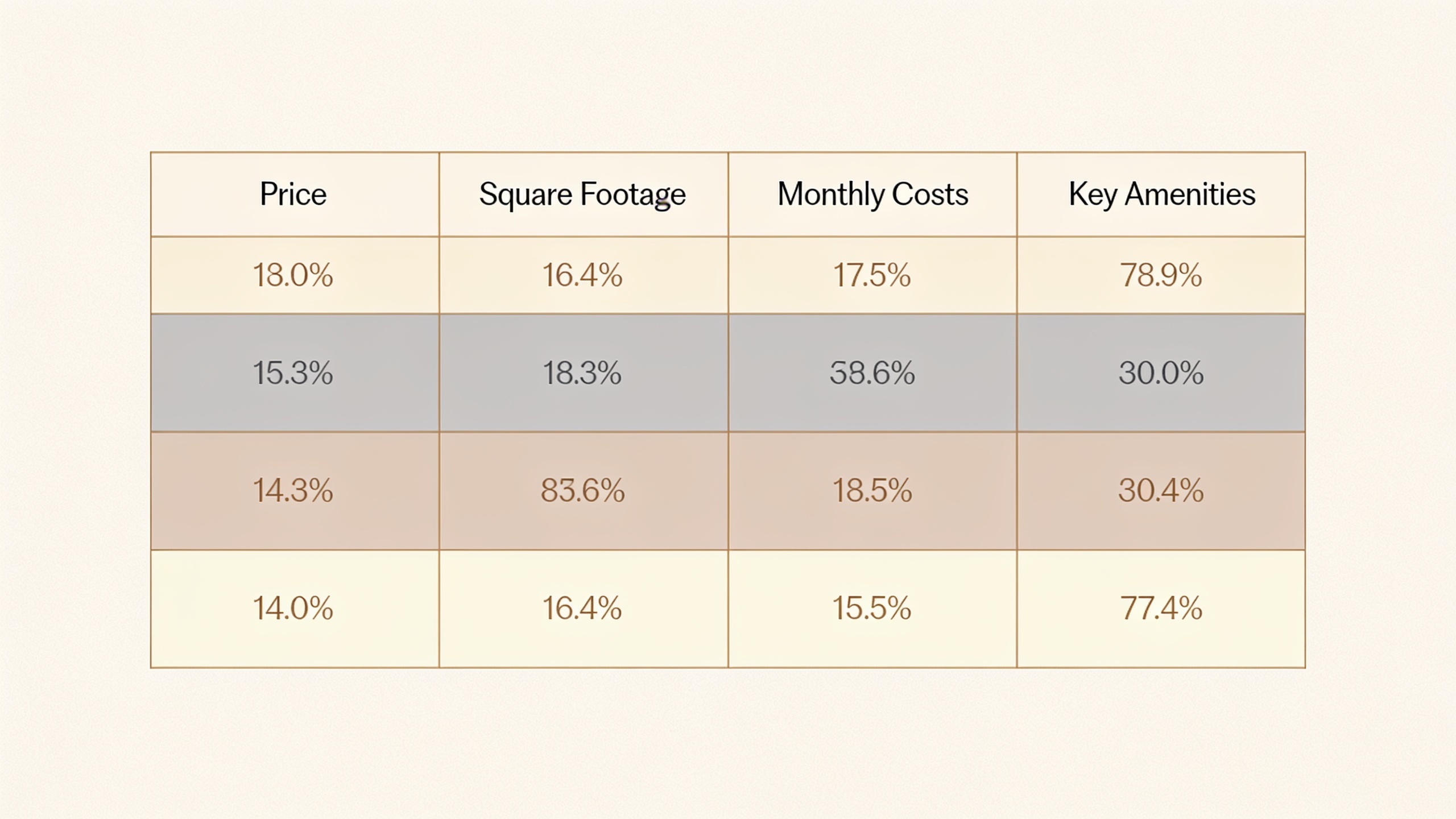
Once you’ve got a shortlist going, the side-by-side comparison tool lets you stack up to four listings and line up price, square footage, amenities, and estimated monthly costs in one table. This is where all that filtering work pays off. You’re not comparing apples to lawnmowers anymore. Every home already cleared your must-have bar, so now it’s about the fine stuff, natural light, how the layout flows, a slightly better school rating, instead of basic eligibility.
Worth mentioning that the tech running these alerts isn’t some real-estate-only magic. Automation across pretty much every industry works on the same logic now: define your criteria once, then let the software watch for matches so you don’t have to. Just as RobinRank automates repetitive SEO content and outreach so marketers can focus on strategy instead of hitting publish all day, Viviendalista’s saved-search automation frees you up to actually evaluate homes instead of re-typing the same search criteria every morning like a chump.
Common Mistakes to Avoid When Using Viviendalista Search Filters
The biggest mistake people make is piling on too many “must-have” filters at once, which shrinks results to zero and buries genuinely good matches. Filters are supposed to narrow a big pool intelligently, not nuke it out of existence.
Close behind: setting a price range that’s too tight instead of one that leaves room for negotiation, which quietly hides listings that are priced a hair high but totally negotiable. Another one people forget is updating their saved searches as their taste changes. A search you saved back when your preferences were still fuzzy usually has nothing to do with what you actually want three months later, so go clean it up. And finally, plenty of buyers lean so hard on filters that they never read the full listing description, missing all the stuff filters can’t catch, like a noisy street or a zoning change coming down the pipe. Pairing disciplined filtering with a careful read of the actual listing, the way we lay out in our guide on reading listings thoroughly, beats filters alone every single time.
Frequently Asked Questions
Can I stack multiple filter types at once, like price and amenities together?
Yep. Viviendalista is built for layered searches, so price range, size, amenities, and location can all run at the same time. The platform treats them as “AND” conditions, meaning a listing has to match every single thing you picked, not just one of them.
Why does my search sometimes come back with zero results?
Almost always because you’ve got too many strict filters going at once, usually a bunch of amenity filters plus a narrow price range. Drop one or two “nice-to-haves,” widen your price by 10%, or stretch your location boundary a little, and the results should come back.
How often do listings update when I’m using saved search alerts?
You can set alerts to instant, daily, or weekly, and new or updated listings usually show up in search results within hours of being added, depending on how the agent or owner submits their data.
Do the investor filters cost extra?
No. Investor-specific tools like cap rate and days-on-market are part of the standard advanced search kit on viviendalist.co, no separate paid tier required. That said, some of the deeper market reports may be offered as premium add-ons depending on your account.
What order should I apply filters when I’m starting fresh?
Most people get the best results starting with price and location, since those two knock out the most irrelevant listings fastest. Then layer in size and bedroom count, and save amenities for last, because those are the ones most likely to over-narrow things if you throw them in too early.
Look, mastering these filters isn’t about memorizing every toggle on the screen. It’s about building a filtering habit that actually matches your priorities, whether that’s a tight city budget, a family’s school district, or an investor’s yield targets. Start broad, save the search, let the alerts do the daily grind, and refine as you figure out what you really want. That’s the whole trick.
Leave a Reply